Properties
General
Every element (document, asset, data object) can carry custom properties, accessible via the Properties tab.
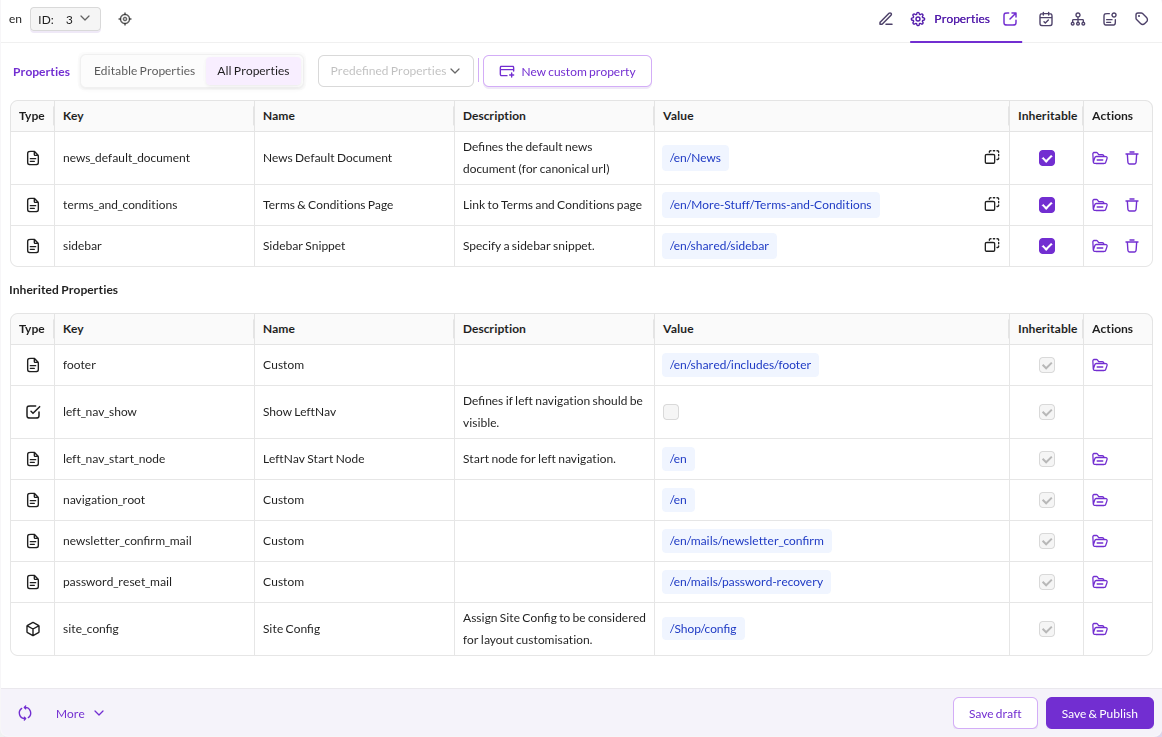

Properties control rendering behavior in templates. Common use cases:
- Hide the main navigation
- Show the sidebar
- Load an additional stylesheet
Access a Property in a Template
{# retrieve the value of a property named "hideNavigation" #}
{% set hideNavigation = document.getProperty('hideNavigation') %}
Predefined Properties
Predefined properties show editors which properties are available in your Pimcore installation and provide default values for each. This guides editors toward consistent usage and reduces repetitive configuration when adding properties to elements.
Predefined does not mean the value is automatically available on every element. For globally available key-value pairs, use Website Settings instead.
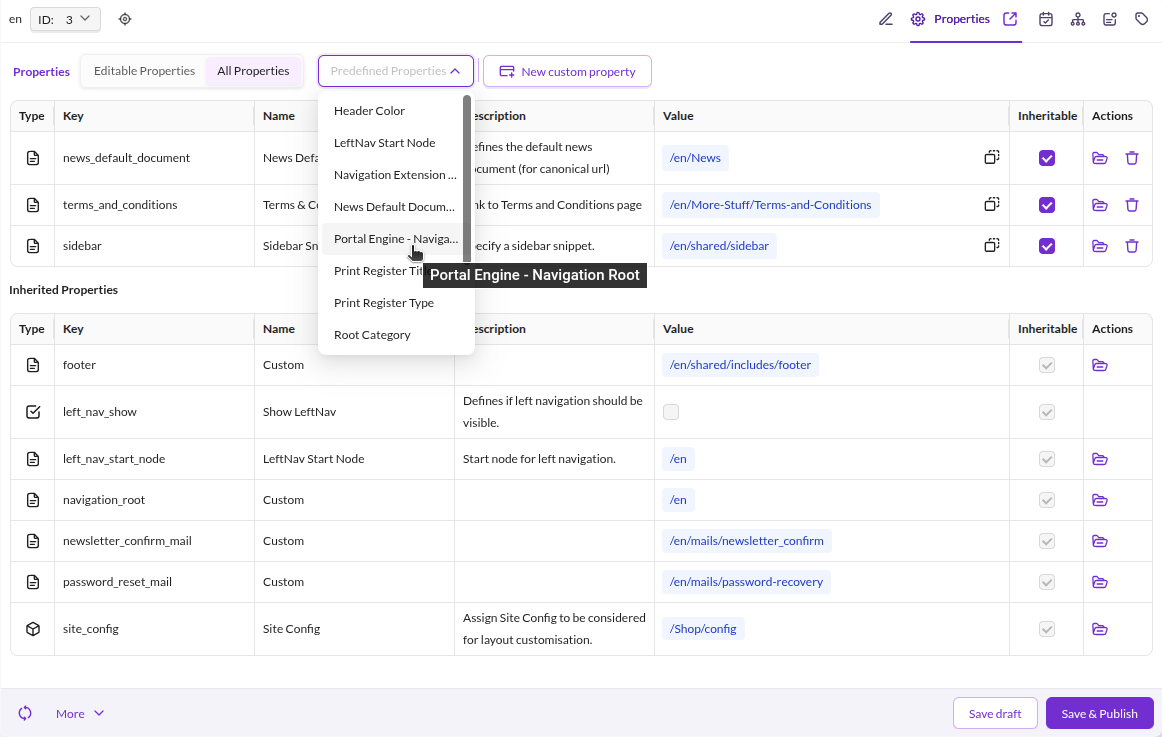

Configuration Example
Open Data Management > Predefined Properties in Pimcore Studio to manage predefined properties.
| Name | Required | Description |
|---|---|---|
| Name | Yes | Friendly name shown in the selection dropdown. |
| Description | No | Explains the purpose of this property to editors. |
| Key | Yes | The key used in code to retrieve the property value, e.g. $document->getProperty("key"); |
| Type | Yes | Allowed content type: text, document, asset, object, bool (checkbox), or select. |
| Value | No | Default value added automatically when the property is assigned to an element. |
| Configuration | No | Additional configuration. Currently only used by the select type - specify options separated by commas. |
| Content-Type | Yes | Element types this property applies to (document, asset, or object). |
Note Each predefined field can be overridden on the individual element after assignment.