Shared Translations
Pimcore provides an easy way for editors to manage commonly used translation terms across the application.
You can find shared translations in Pimcore Studio under Translations > Translations, filtered to the messages domain.
In the background, Pimcore uses the standard Symfony Translator component to provide this functionality.
The main benefit is that you have a single translator for all your translations.
Shared translations use the messages domain, which is the default Symfony translation domain. The translator
automatically uses the locale specified on the current document or from a fallback mechanism. Pimcore also uses other
domains internally, for example the studio domain for Pimcore Studio UI translations. If you need to register your own
custom domains, see Custom Translation Domains.
For more information, check out the Symfony Translator component.
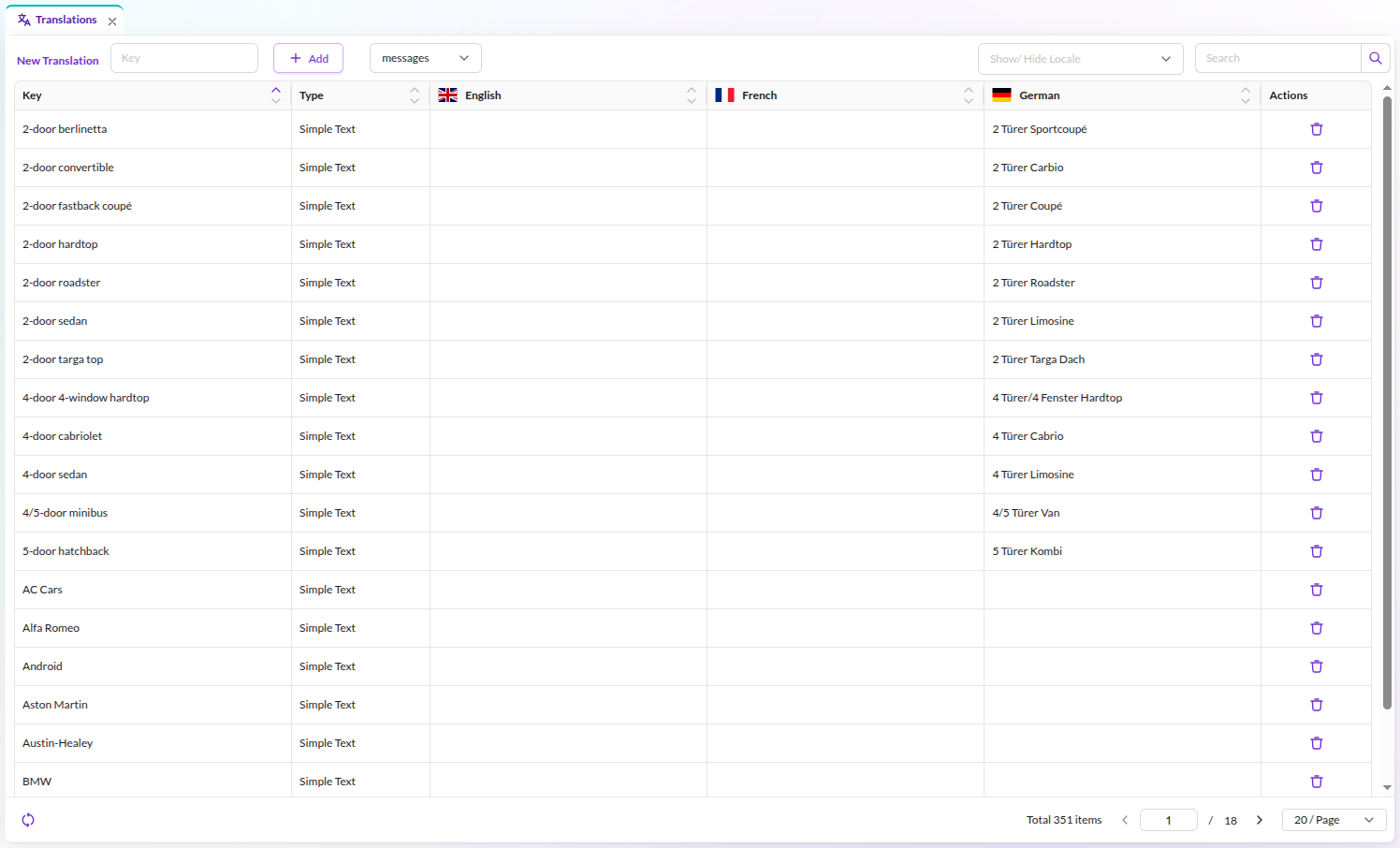

Available languages are defined within the system languages, see Multi-Language & Localization.
Shared translations are stored in the translations_messages database table and can be versioned using
Migrations.
Translations Case Sensitivity
Translations are case sensitive by default. You can reconfigure Pimcore to handle website and admin translations as case insensitive. However, this implies a performance hit (translations might be looked up twice) and does not conform with the Symfony Translator component. You are encouraged to reference translation keys with the same casing as they were saved.
Working with Shared Translations / the Translator in Code
Example in Templates / Views
Use the Symfony trans filter in Twig templates. You can also pass variables for interpolation in localized messages.
<div>
<address>© {{ 'Copyright'|trans }}</address>
<a href="/imprint">{{ 'Imprint'|trans }}</a>
{# variable interpolation, 'about' translates to 'About {{siteName}}' #}
<a href="/about">{{ 'about'|trans({'{{siteName}}': siteName}) }}</a>
</div>
Parameters in translations can be wrapped in double curly braces ({{ and }}), but you are free to use other
placeholder wrappers as well. For example, %parameter% as shown in the
Symfony docs also works.
Example in a Controller
<?php

namespace App\Controller;

use Pimcore\Controller\FrontendController;
use Symfony\Component\HttpFoundation\Response;
use Symfony\Contracts\Translation\TranslatorInterface;

class ContentController extends FrontendController
{
    public function defaultAction(TranslatorInterface $translator): Response
    {
        $translatedLegalNotice = $translator->trans("legal_notice");
        $siteName = "Demo"; // or get dynamically
        // variable interpolation, 'about' translates to 'About {{siteName}}'
        $translatedAbout = $translator->trans("about", ['siteName' => $siteName]);

        // ...
    }
}
Translation Pluralization/Selection
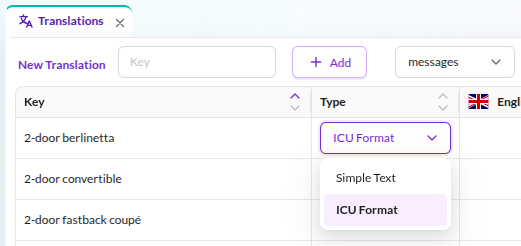
Since Pimcore uses the Symfony Translator component, you can store and use translations in ICU Message Format for pluralization, selection, and more. To use ICU format, select type "ICU Format" in the Pimcore Studio translations view and pass the required parameters in your template or controller.
-
Add a translation key and select type "ICU Format".
-
Click the plain text button on the language cell to open the editor.

Add the translation in ICU format
{variable_name, function_name, function_statement}: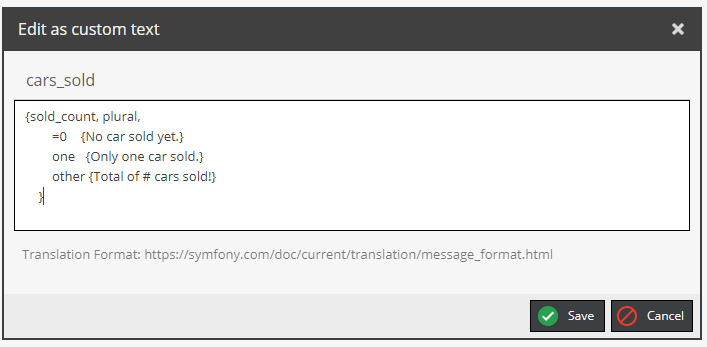
-
Use in view


    {{ 'cars_sold'|trans({'sold_count': 0}) }}
    {# output: No car sold yet. #}

    {{ 'cars_sold'|trans({'sold_count': 1}) }}
    {# output: Only one car sold. #}

    {{ 'cars_sold'|trans({'sold_count': 100}) }}
    {# output: Total of 100 cars sold! #}
Pimcore Studio Features
The Pimcore Studio translations view provides several tools for managing shared translations.
Translation Export & Import
Translations can be exported to a CSV file and then re-imported later on.
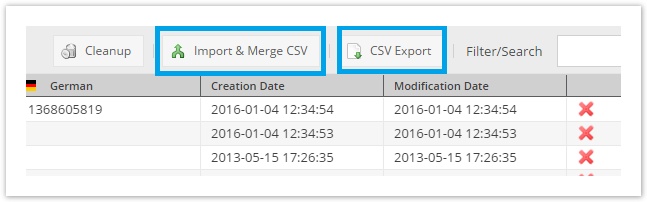

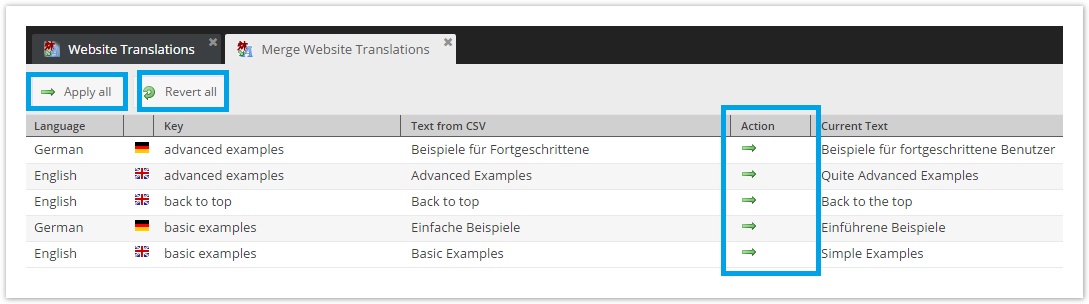
Translations are still imported automatically as long as the translation key does not exist in the target system or the translation itself is still empty. Conflicts (i.e. the translation in the target system does not match the version of the source) are shown in an overview tab and then can be merged manually.