How to Use the Tab Manager
Overview
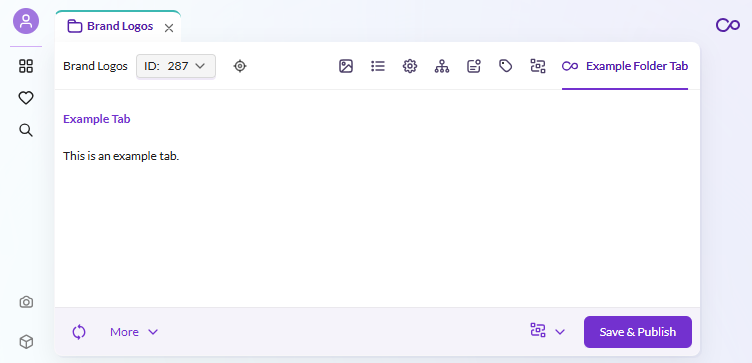
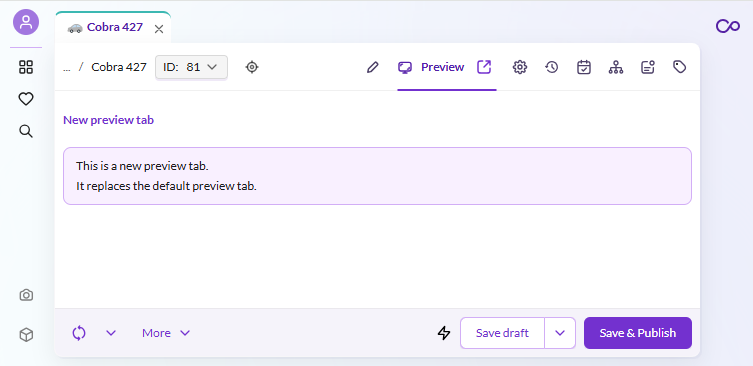
Use the different tab managers of Pimcore Studio to add new tabs or overwrite existing ones in the different element types.
Screenshot


Details
Tab managers in Pimcore Studio control which tabs are displayed in the element editors (assets, data objects, documents). Each element type has its own tab manager service that you can retrieve from the DI container.
Key steps:
- Retrieve the appropriate tab manager service from the container (e.g.,
serviceIds['Asset/Editor/FolderTabManager']) - Use the
registermethod to add a new tab with a component, icon, key, and label - Optionally, override the entire tab manager by rebinding the service in the
onInitplugin lifecycle method
For more details on the DI container and service IDs, see the Services and Dependency Injection documentation.