Pimcore Direct Edit
Direct Edit opens a Pimcore asset in the editor installed on your own machine and uploads the changed file straight back into Pimcore.
Features
Direct Edit consists of two parts.
The Direct Edit bundle runs inside Pimcore and provides:
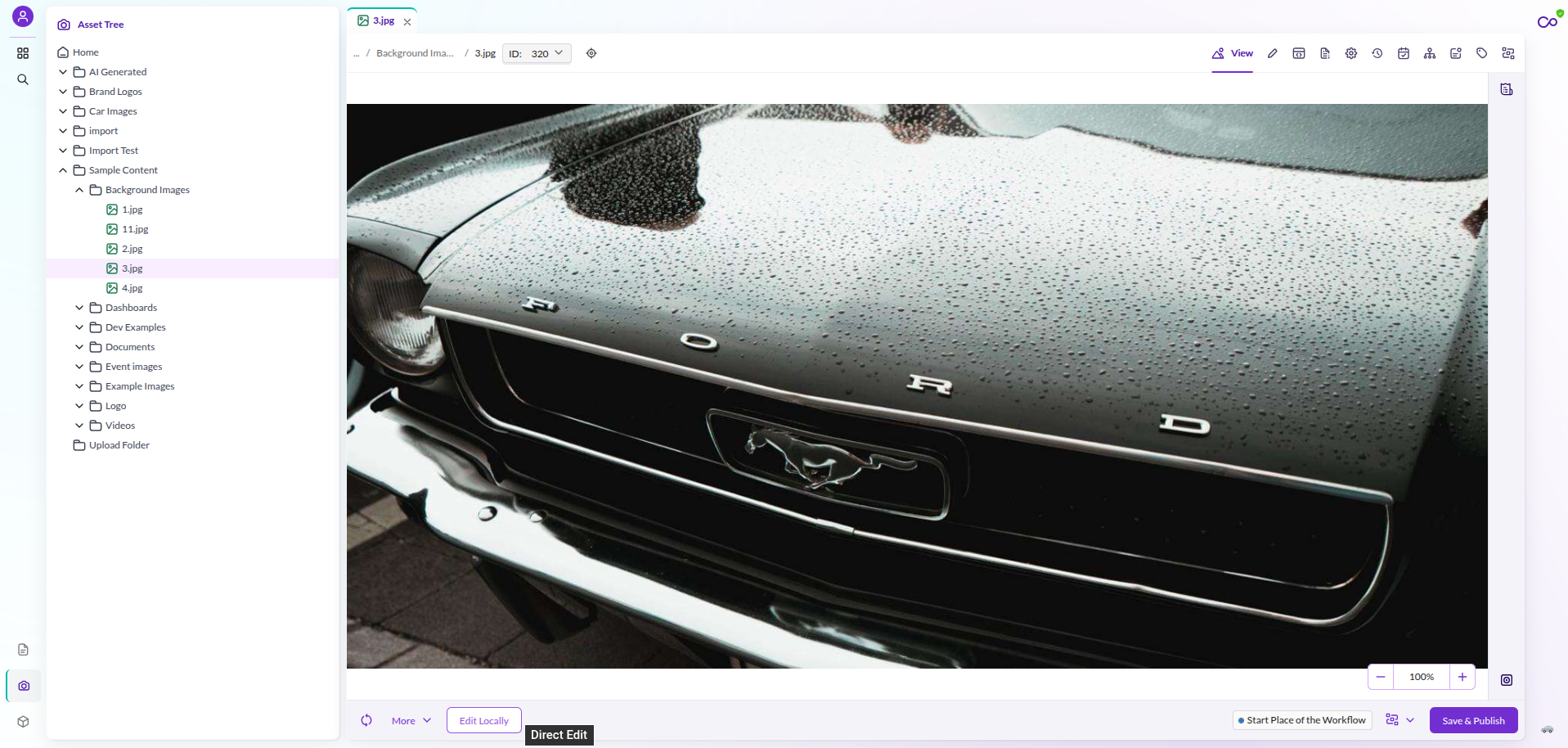
- An Edit Locally action on the asset editor in Pimcore Studio.
- The endpoints the desktop client uses to download and re-upload an asset.
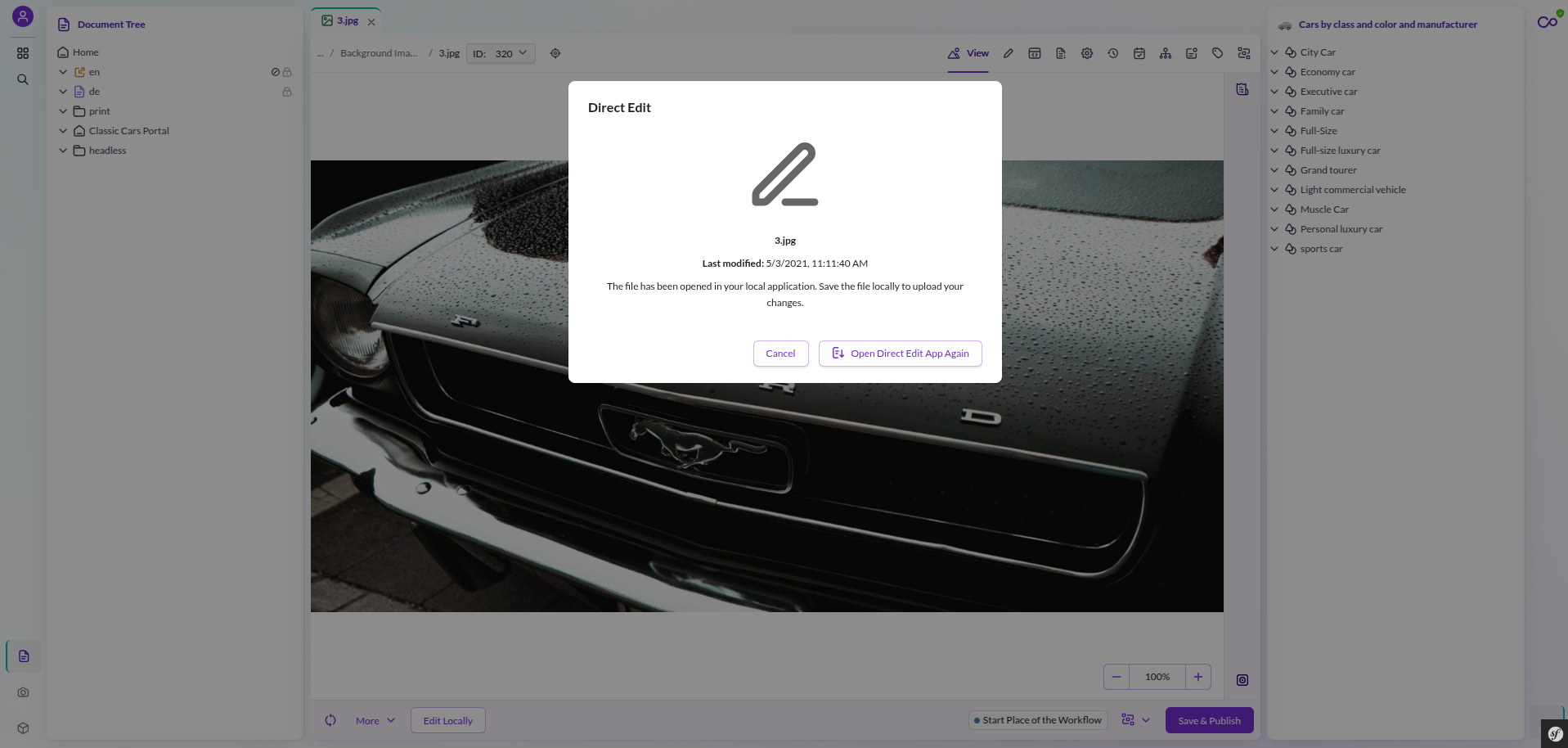
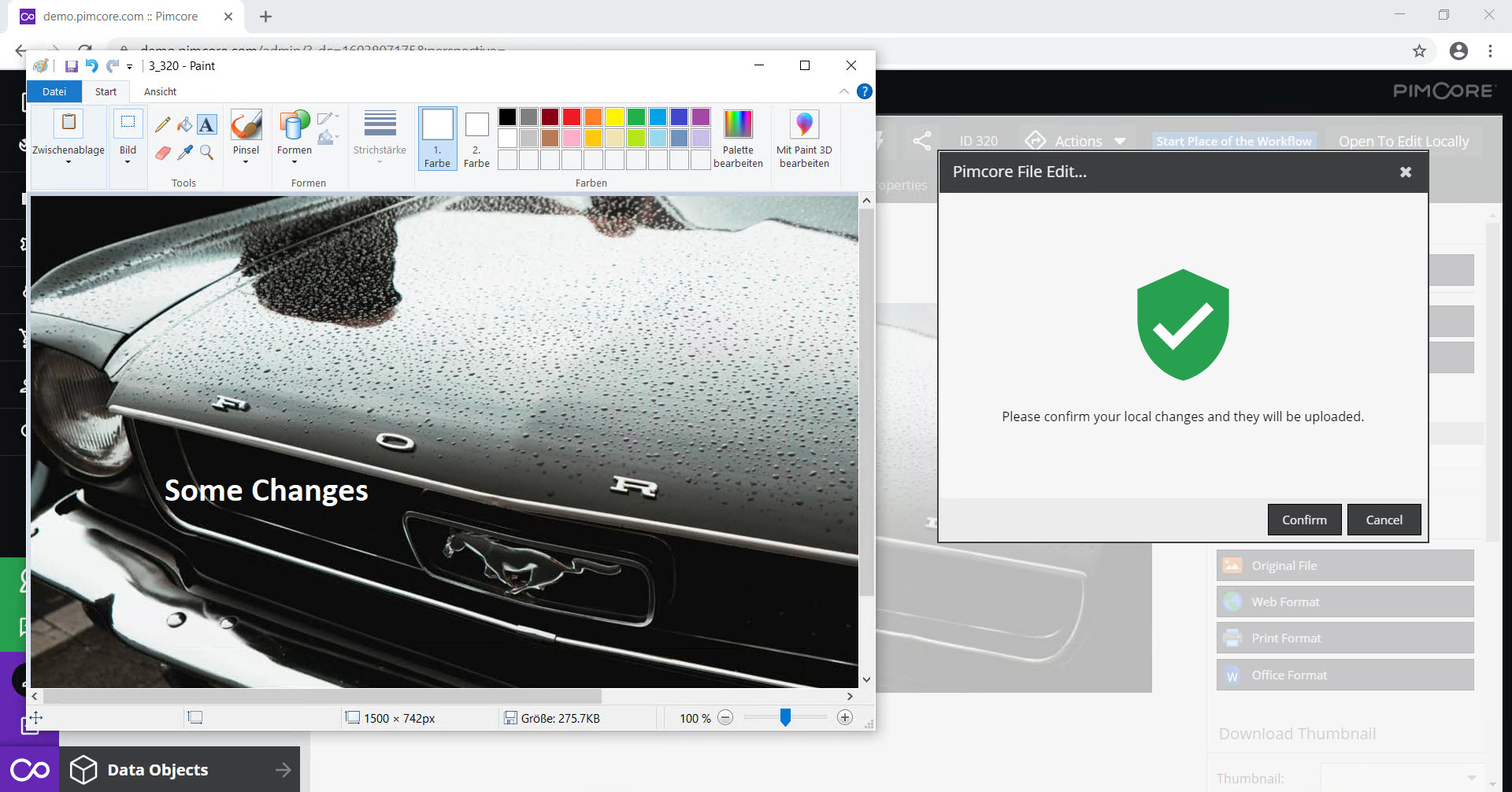
- A status dialog that waits for the local changes, applies them to the asset, and resolves conflicts when another user changed the asset in the meantime.
The Direct Edit desktop client runs on each editor's machine. It downloads the file, opens it in the associated local application, watches it for changes, and uploads new versions back to Pimcore.
Sample Screenshots
Edit Locally button in the asset editor

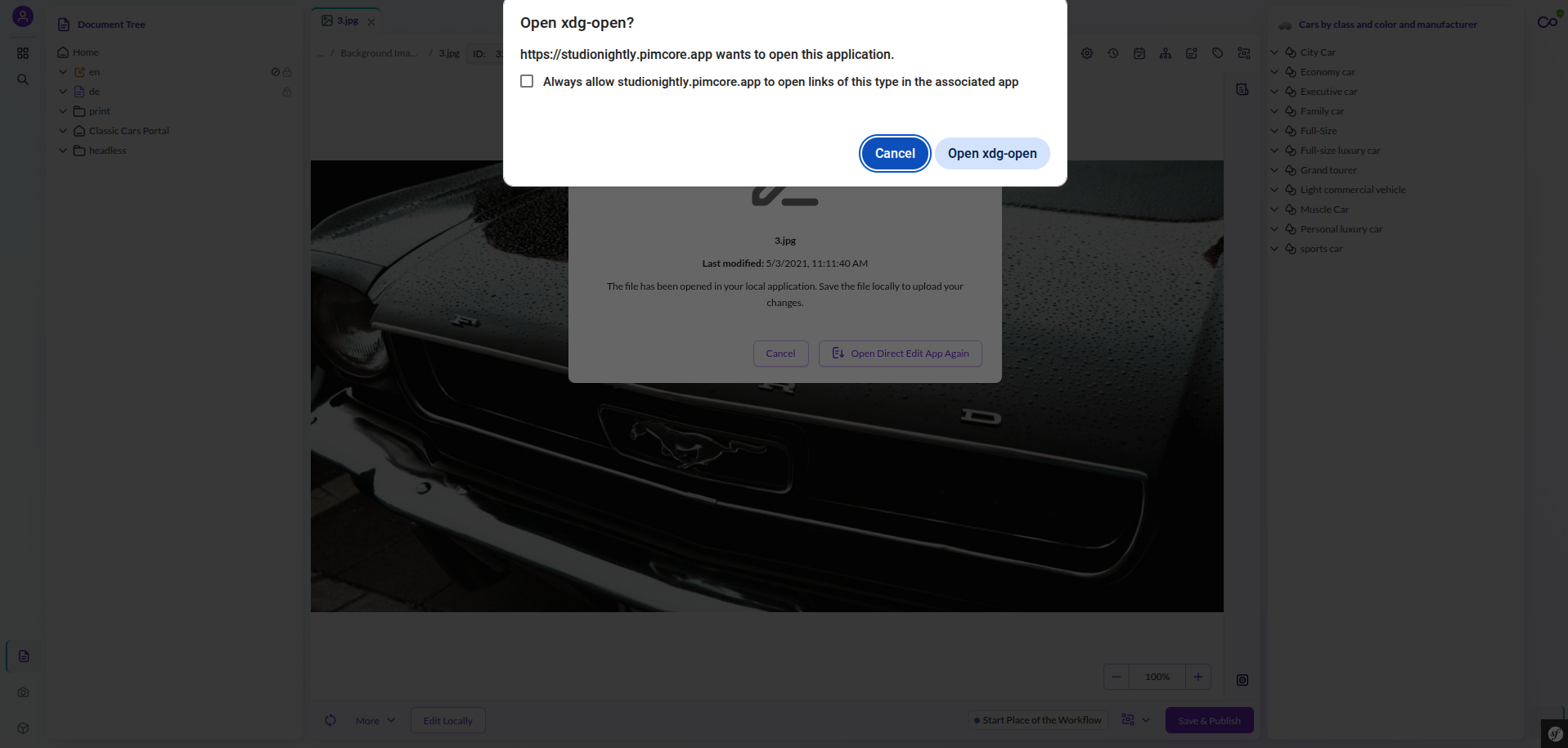
Start editing dialog

Local editing and waiting for changes

Apply changes to Pimcore

Documentation
- Installation & Configuration: install the bundle, set up Mercure, roll out the client.
- Mercure Setup: run and configure the Mercure hub.
- Pimcore Direct Edit Client: what the desktop client does.
- Integrate into Custom Applications: add a Direct Edit button to your own application.
- Upgrade Notes: breaking changes per release.