Assets
Assets are files managed within the Pimcore system, organized in a hierarchical folder structure. Together with Documents and Data Objects, they form the three fundamental element types in Pimcore. Common asset types include images, videos, PDFs, and Office documents. Because all three element types exist within the same system, updating an image in one place updates it everywhere it is used, whether on a website, in a product record, or in an export feed.
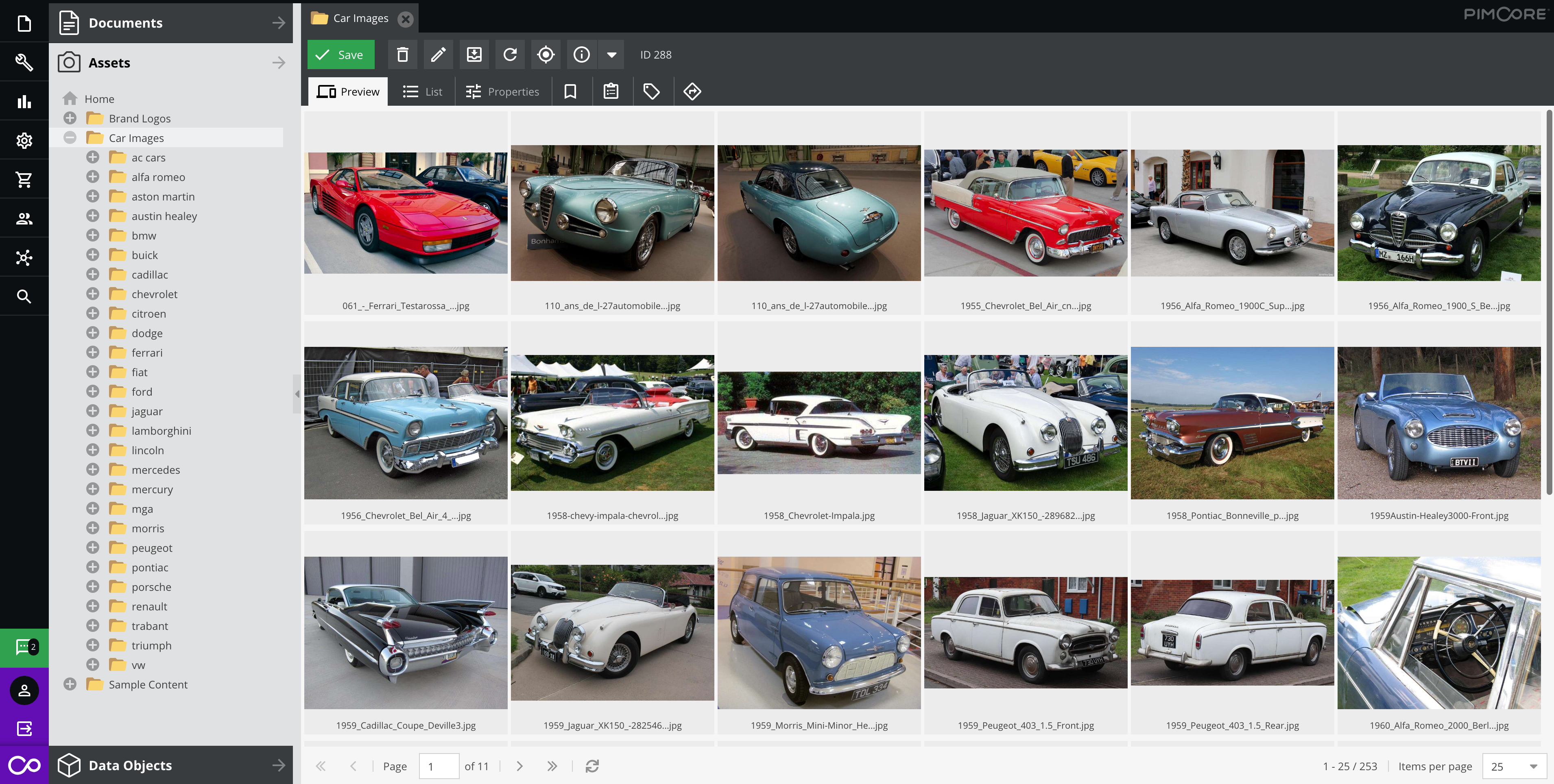

Supported File Types
Pimcore can store any file type as an asset. For many formats, it generates preview images directly in Pimcore Studio:
- Images - all common formats such as JPG, PNG, EPS, PSD, TIFF, SVG, and more (see ImageMagick formats for the full list)
- Videos - AVI, MP4, MKV, MOV, and others (see FFmpeg formats for the full list)
- Documents - Microsoft Office formats (DOCX, PPTX, XLSX), PDF, RTF, and others (see LibreOffice documentation for the full list)
Metadata
Assets support two kinds of metadata:
- Embedded metadata (EXIF, IPTC, XMP) - Pimcore reads and displays embedded metadata from uploaded files as read-only information. It cannot edit embedded metadata.
- Custom metadata - editable, localizable metadata fields that you define and manage within Pimcore. These can be accessed via the PHP API and used across all output channels.
See Working with Assets via PHP API for metadata access examples and predefined system metadata fields.
Thumbnails and Format Conversion
Pimcore provides a thumbnail processing engine that generates optimized output variants from source assets: resized images, transcoded videos, and document previews. Upload a single high-resolution image, and the system generates all required variants (dimensions, formats, quality levels) on the fly.
See Working with Thumbnails for configuration and usage details.
Access Control
All assets are publicly accessible via their URL by default. For confidential files, Pimcore provides options to restrict access through web server rules or application-level permission checks.
See Restricting Public Asset Access for details.
Integration
- Accessing Assets via WebDAV - connect to the asset tree using the WebDAV protocol
- Working with Assets via PHP API - CRUD operations, listings, custom settings, and metadata management