Collections in Pimcore Backend
Collections are also accessible in Pimcore backend. Thus, it is possible to manage collections and use collections as source and destination for drag & drop operations like creating relations or adding elements to collections.
Prerequisites
There are two prerequisites to make collections work in Pimcore Backend
- There has to be a link between portal users and Pimcore backend user. See user management for details.
- The Pimcore backend user needs
Backend Collection Accesspermission.
Manage Collections

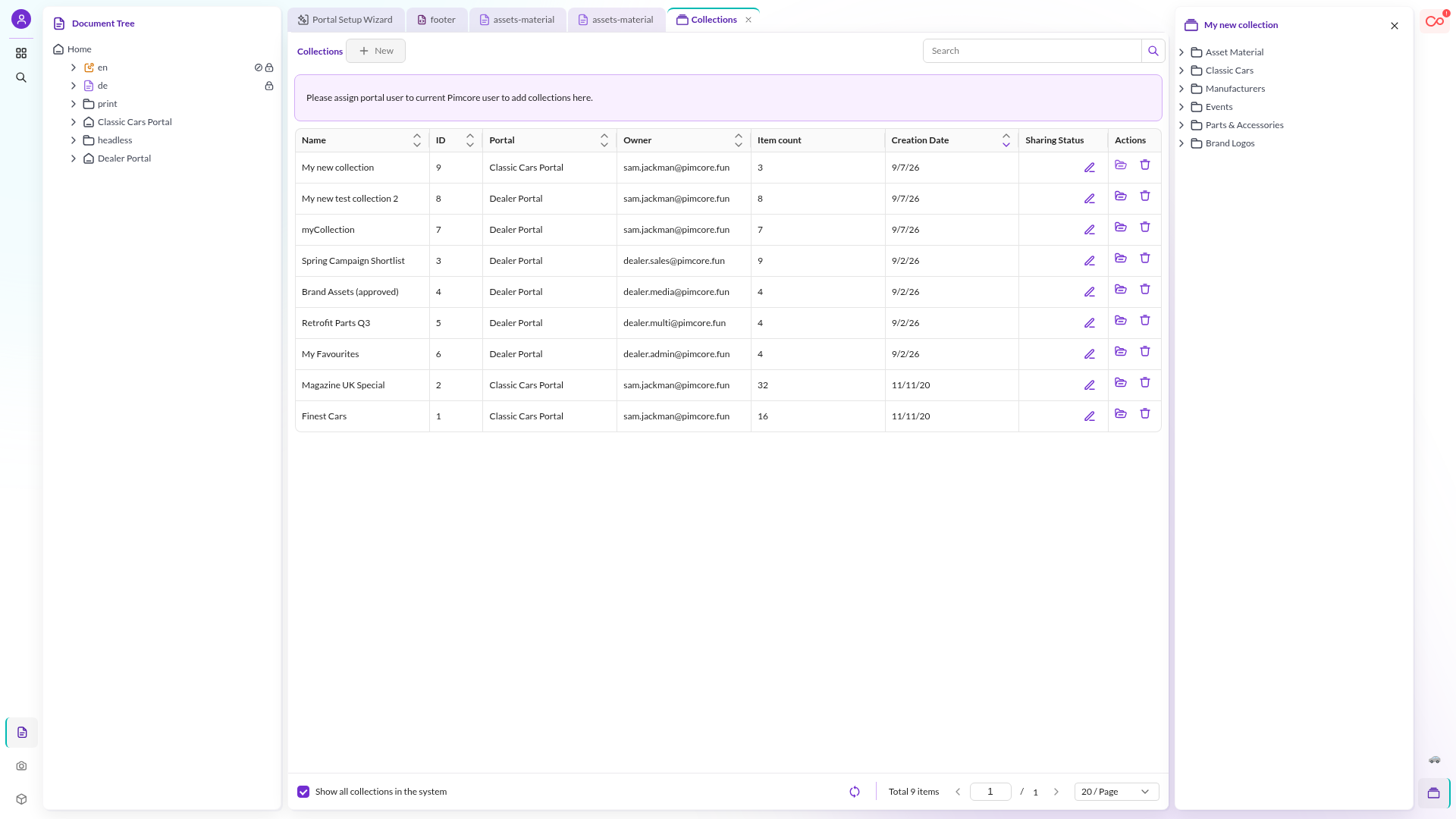
The collections list is located in the file menu and provides following features:
-
List all collections of user
- own collections
- shared collections
-
Create and delete collections
-
Open collection as element tree in Pimcore
-
Collections can be shared with other Pimcore Users
- Read only
- Edit
-
For admin users: The option show all collections in system allows you to list all collections and thus also find orphaned collections and do some collection house keeping.
Collection Tree View
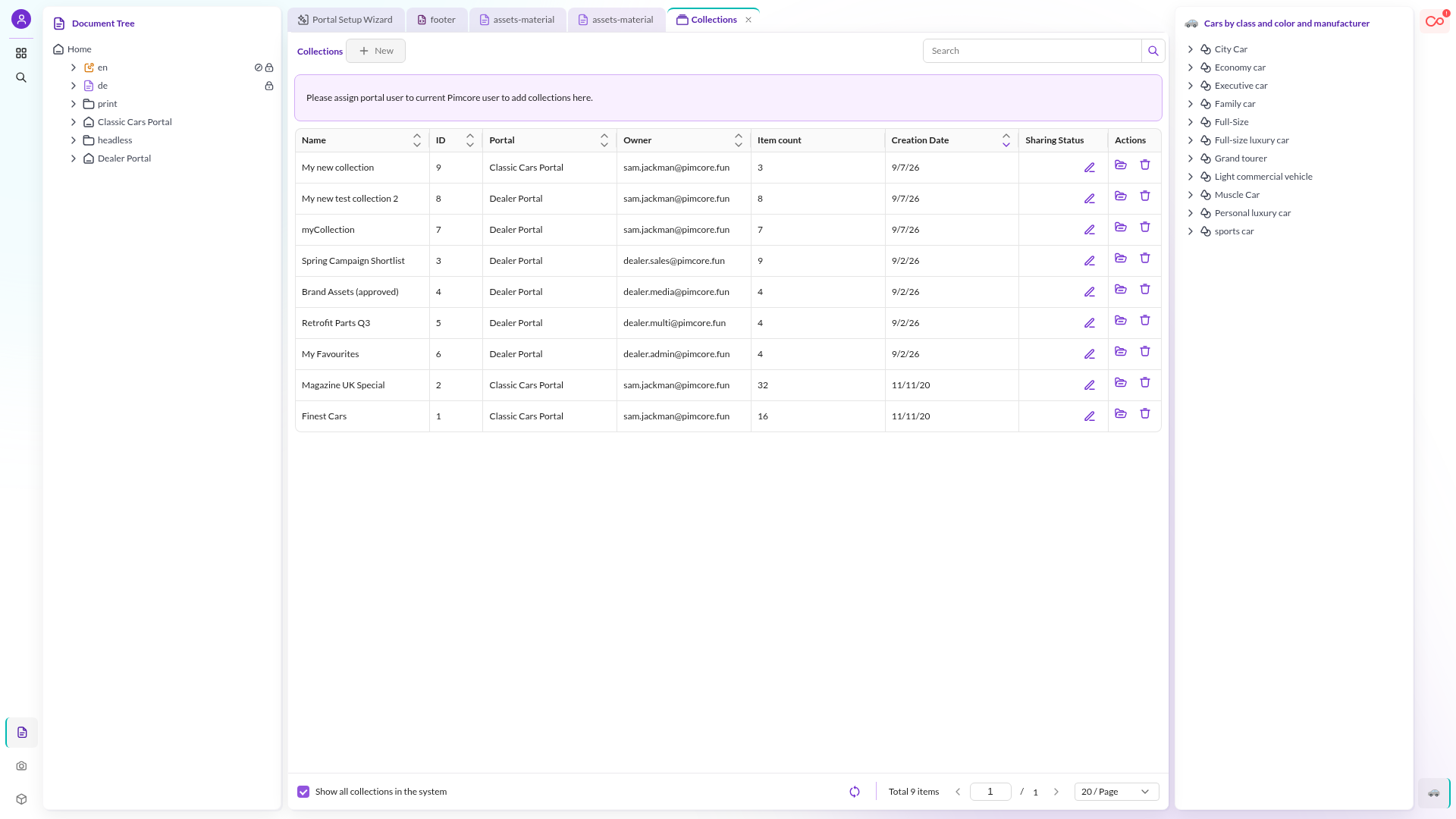
Collections can be opened as an element tree similar to custom views:
- Every data pool of the portal the collection belongs to is one root node of the tree.
- Elements can be assigned to collections via d&d.
- Elements can be dragged from collections to any relation fields in Pimcore backend user interface.
- Elements that are not visible for user due to permissions are not shown in collection tree view - can happen if collection gets shared by other user.