Examples for Personalization and Targeting
These examples show a few ways to put the Pimcore targeting engine to use.
Every rule mentioned here is configured in the Pimcore demo and can be tested there.
Visitor Profiling
The result of the ongoing profiling process is a set of target groups assigned to the current visitor, each with its own assignment relevance. Visitor profiling rules are conditions that result in a target group assignment.
Learning About Customer Interests Based on Behavior
Assign Target Groups to Documents
Associate a document directly with a target group.
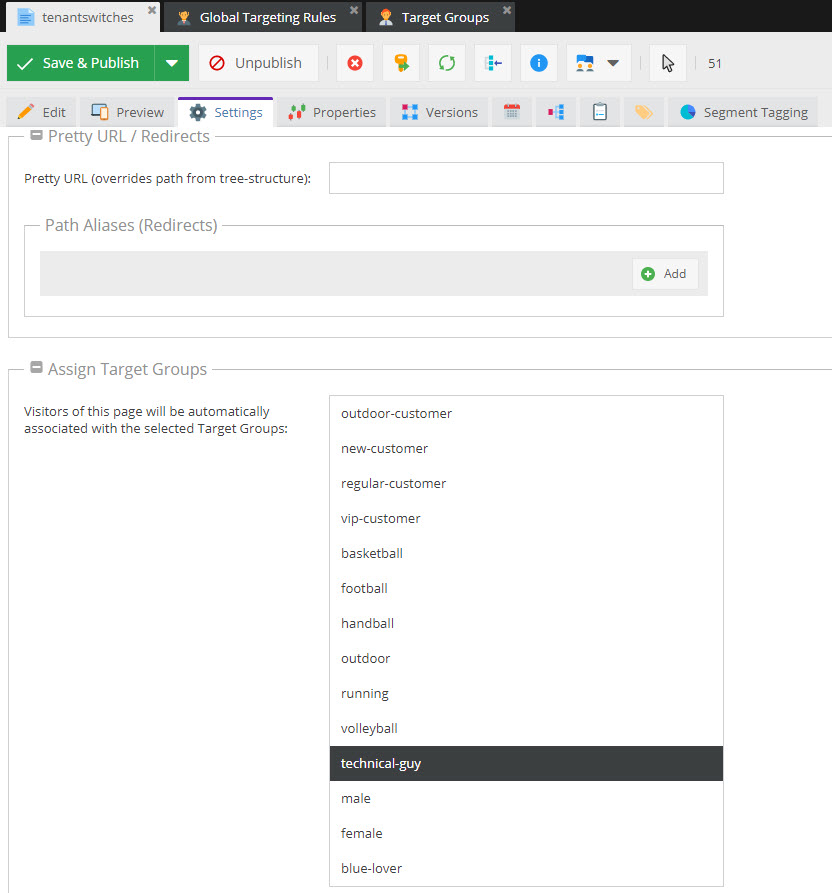

Every time a visitor visits that page, Pimcore assigns it the technical-guy target group. Since a single visit
could be a coincidence, define a threshold on the target group so repeat visits confirm the interest: with a
threshold of 3, the target group isn't actually assigned to the visitor's profile until the third visit.
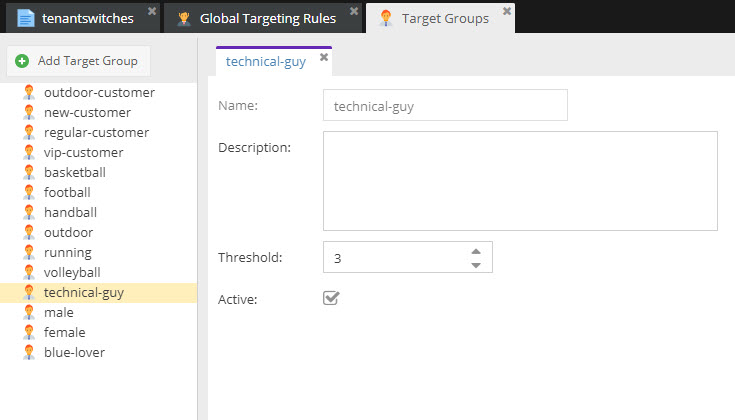

See the public demo instance for a real-life example.
Global Targeting Rules with Simple Conditions and Actions
Regular visits to a shopping category (for example football) indicate an interest in football. To track that, add a global targeting rule with a URL condition and an action that assigns the corresponding target group.
To filter out coincidental visits, add an additional Time on Site condition, as the profiling_football
targeting rule does in the demo.
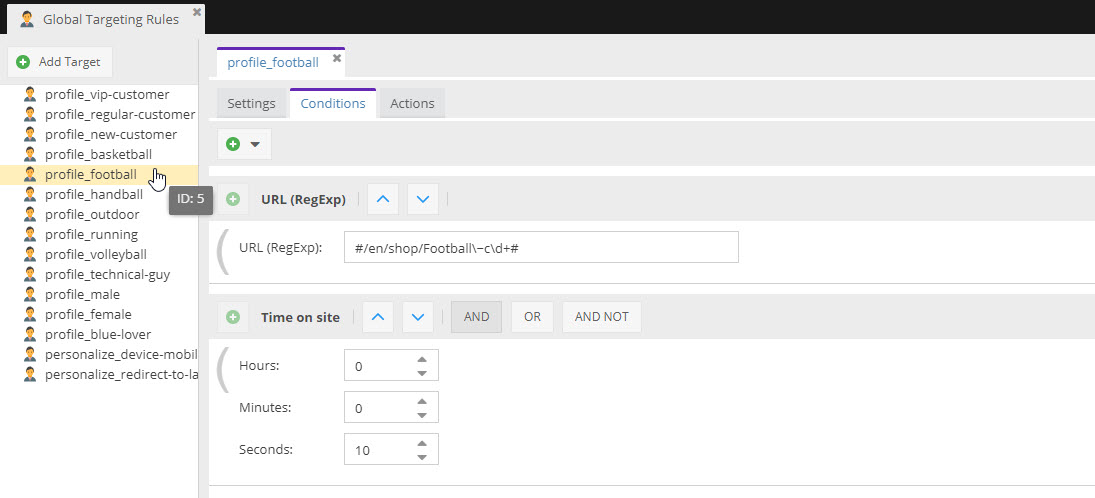

Use the Hit scope here, so the action runs on every matching request. This increases the target group's
assignment count each time, building up a relevance score you can use to tell that a visitor is more interested in
football than in basketball.
Guessing Customer Characteristics Based on Behavior
Global Targeting Rule with More Complex Conditions
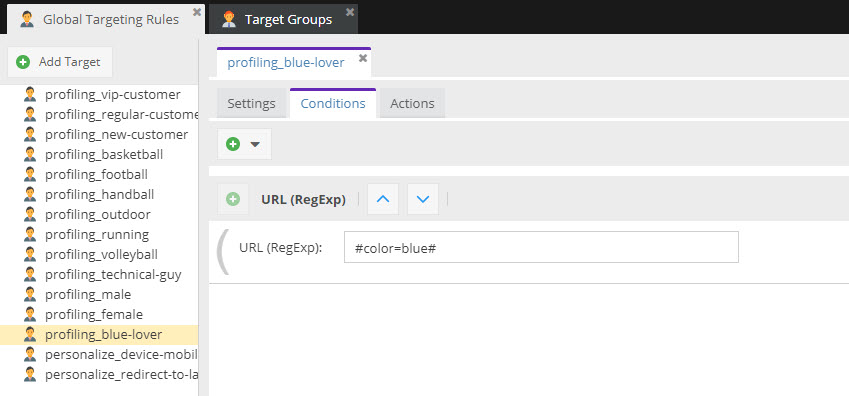
Similar to category-interest tracking, you can infer characteristics like favorite color or gender. For example,
add a targeting rule that tracks product filtering for blue products and assigns a corresponding target group, as
the profiling_blue-lover rule does in the demo.

Classify Customers Based on Behavior
Identify Regular Customers
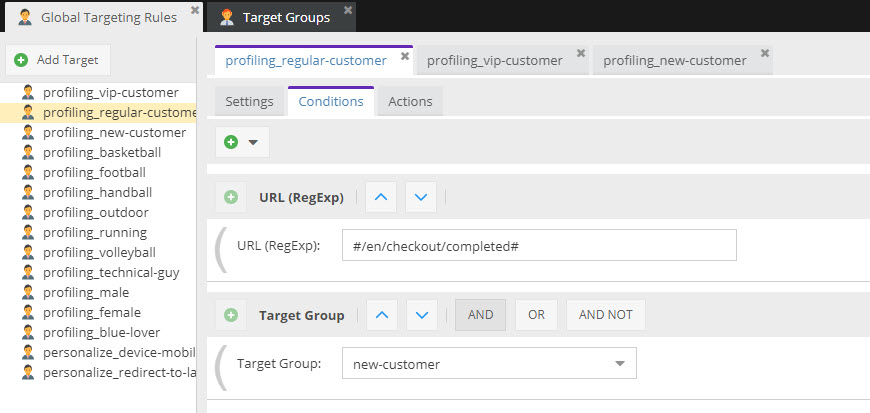
Besides collecting characteristics, you can also classify customers by how many orders they've placed. For
example, once a customer places an additional order, they become a regular customer. See the
profiling_regular-customer rule in the demo for details.

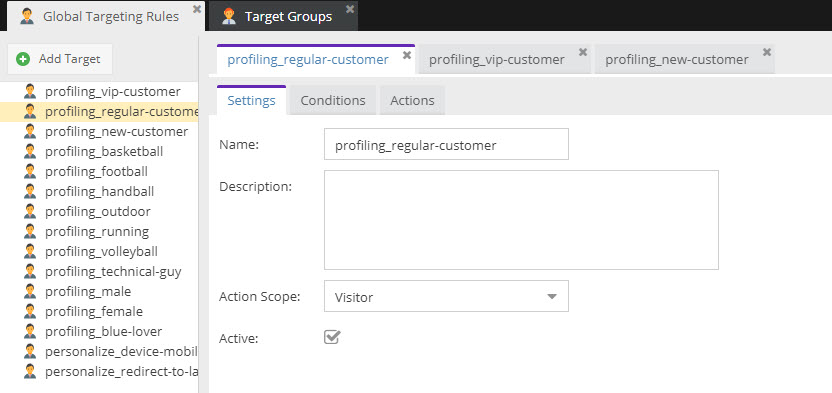
Here it matters that the action runs only once, so choose Visitor as the scope.

These are only a few simple examples of visitor profiling with the Pimcore targeting engine.
Personalize Content
Personalize Content Using Global Targeting Rules
Redirect a Visitor to a Landing Page
One way to personalize content is to redirect a visitor to a dedicated landing page. In the demo, the
personalize_redirect-to-landingpage example redirects German-language visitors who have visited 5 pages on the
site to a landing page.
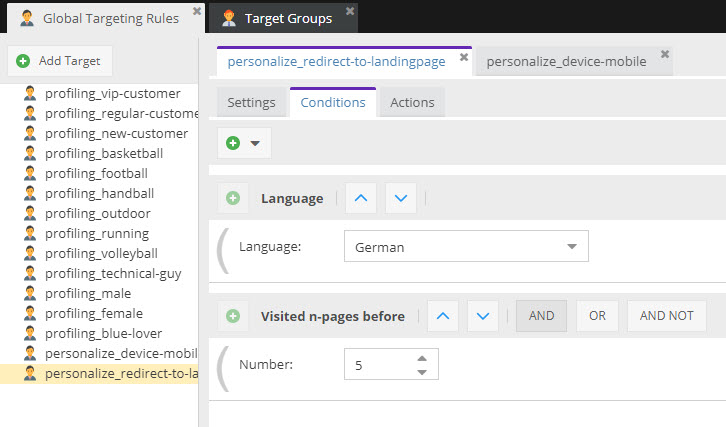

This should happen once per session rather than on every hit, so the scope is set to session.
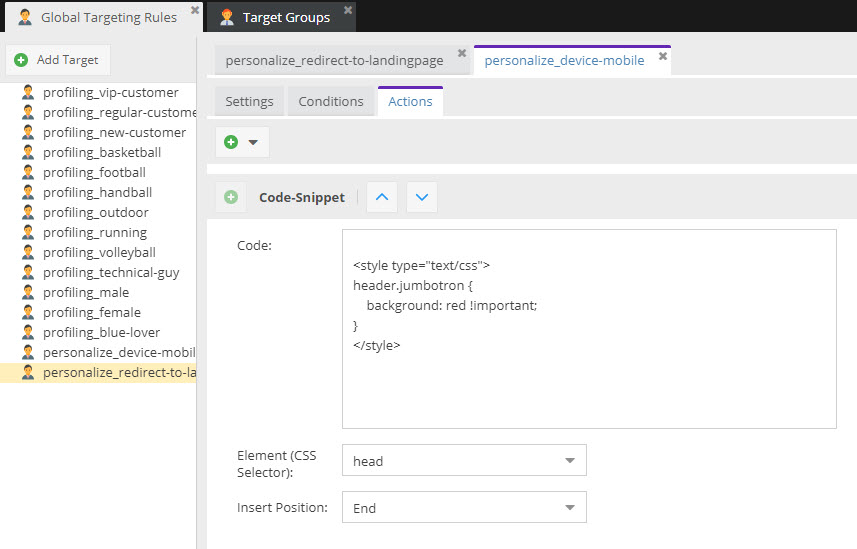
Inject Special Content for Mobile Visitors
Another use case: show a slightly different layout to specific visitors, for example mobile users from a certain
country. The demo's personalize_device-mobile rule does this by injecting additional CSS into the page.

Personalized Content Documents
The most common and most flexible way to customize content is to create personalized variants of documents for specific target groups. See Create Personalized Content and Deliver Personalized Content for details.
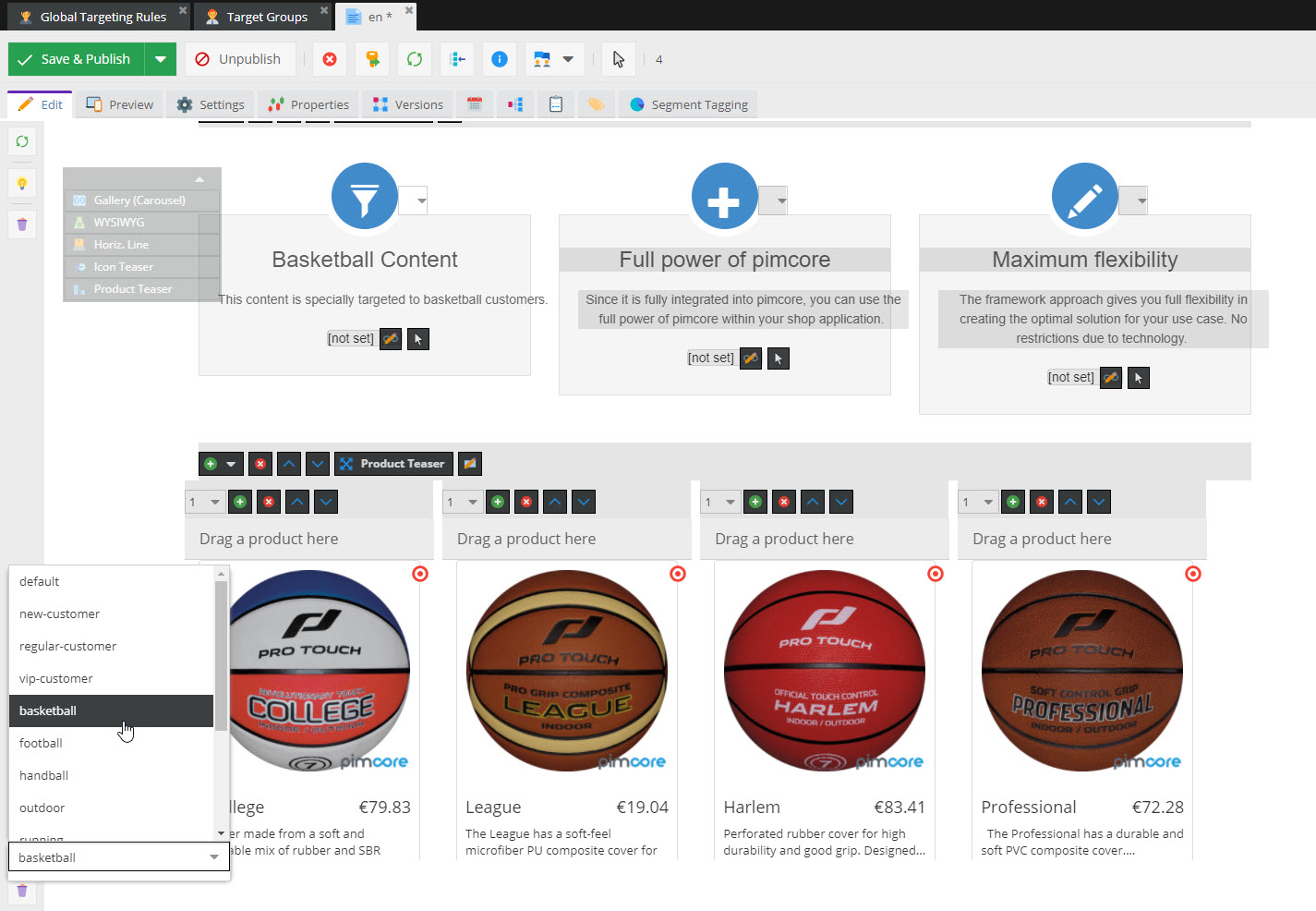
The demo sets up several variants of the portal page, for example for the target groups football, basketball,
handball and others. Try reaching the corresponding target groups yourself and see what happens.