Import Progress and Logging
Import Progress
The Execution tab shows the Execution Status of the configuration: whether queue items are currently being processed, how many of the total items are done, and a button to cancel the run. Cancelling removes the remaining queue items.

A status that stays at zero means no queue worker is picking the items up. See Troubleshooting / FAQ.
Logging
The importer writes to two places:
- Pimcore application logger: overview information, visible in the UI.
- Standard Pimcore and Symfony loggers: detailed debugging information, written to the log files.
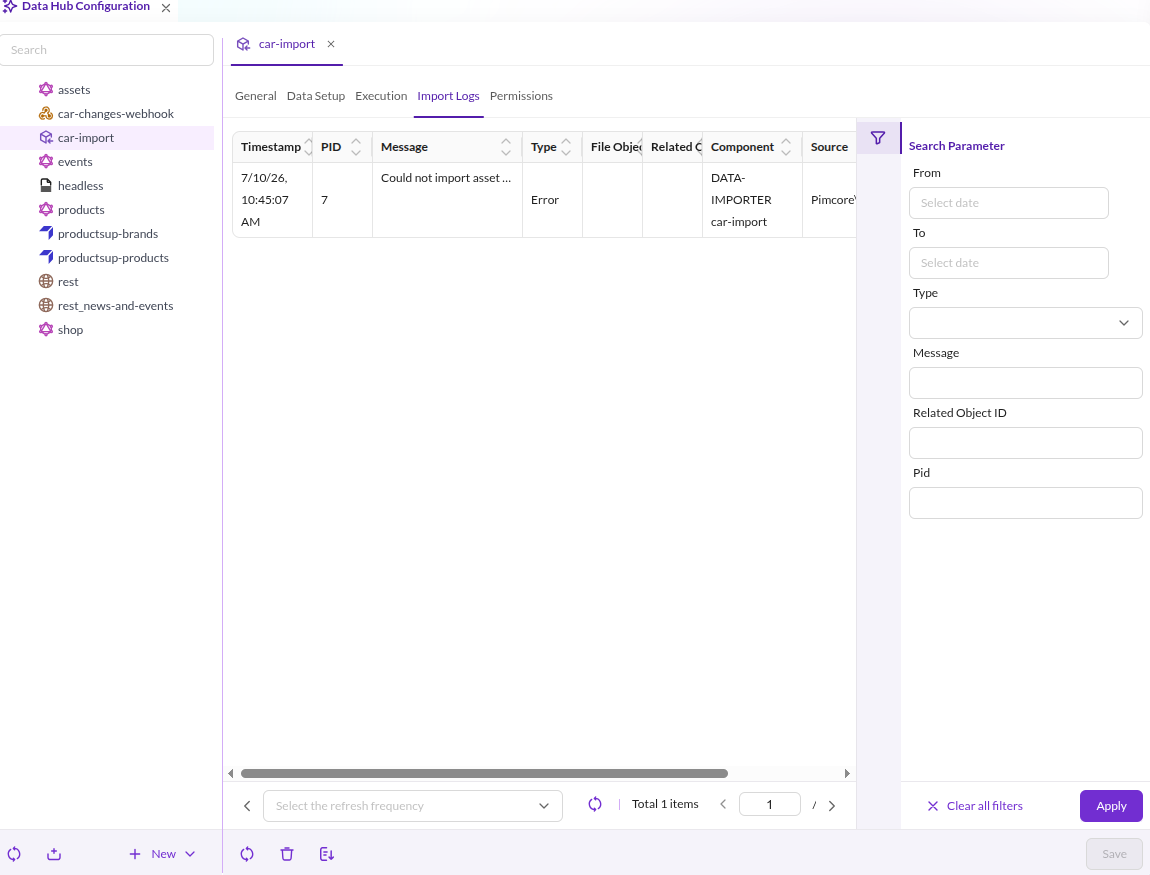

The Import Logs tab shows the application logger, prefiltered to the entries of the current import configuration. Those entries cover:
- Imports that were started.
- Each imported element, with the original source row attached as a file object.
- The archived original import file, when Archive Import File is enabled.
- Problems and errors.
Large imports produce a lot of entries and file objects. The logging settings reduce the volume without touching the detailed logs written to the log files.