Pimcore Data Quality Management
The Pimcore Data Quality Management bundle allows you to track and visualize your data quality.
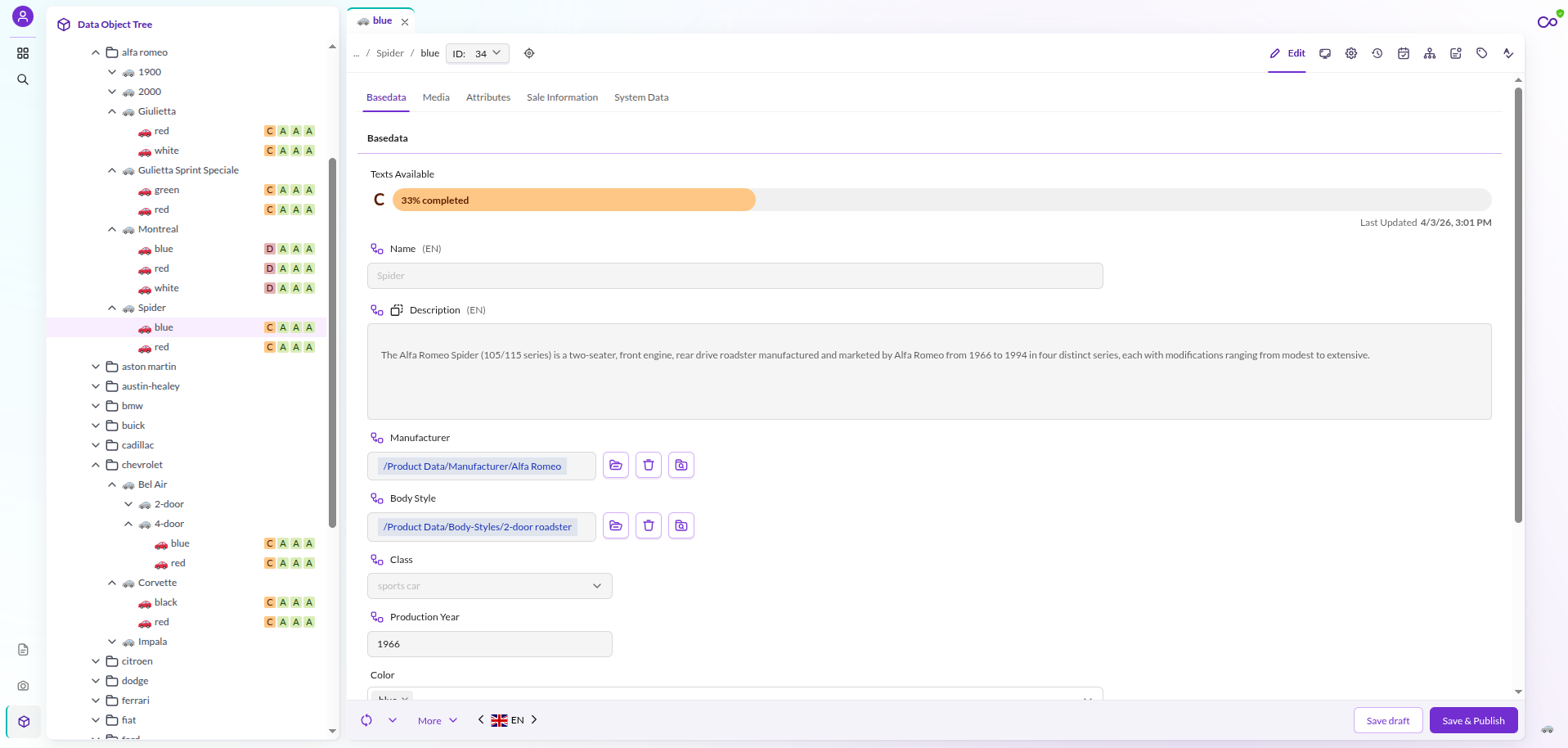

Features in a Nutshell
- Compute a data quality score for your Data Objects based on customized rules.
- Visualize your data quality score in the Data Object editor, grid and/or tree.
- Provide improvement suggestions according to the computed score.
- Add a precondition for computing data quality score only for certain kinds of Data Objects.
- Visualize data quality scores on Pimcore Studio Dashboards via dedicated widgets (requires the Studio Dashboards Bundle).
Documentation Overview
- Installation
- Data Quality Configuration: Describes how to add and use the data quality data type.
- Visualization: Describes where data quality scores are displayed, including Studio Dashboards.
- Customization:
- Calculation Rules: Describes how to configure the data quality steps (ranges and colors).
- Custom Rule Definition: Describes how to create a custom data quality rule definition.
- Custom Score Badges: Describes how to style score badges.
- Pimcore Studio Events: Describes the pre-response events for extending Studio responses.