Logs Tab
The Logs tab shows the Pimcore application logger, prefiltered to the entries of the current webhook configuration.
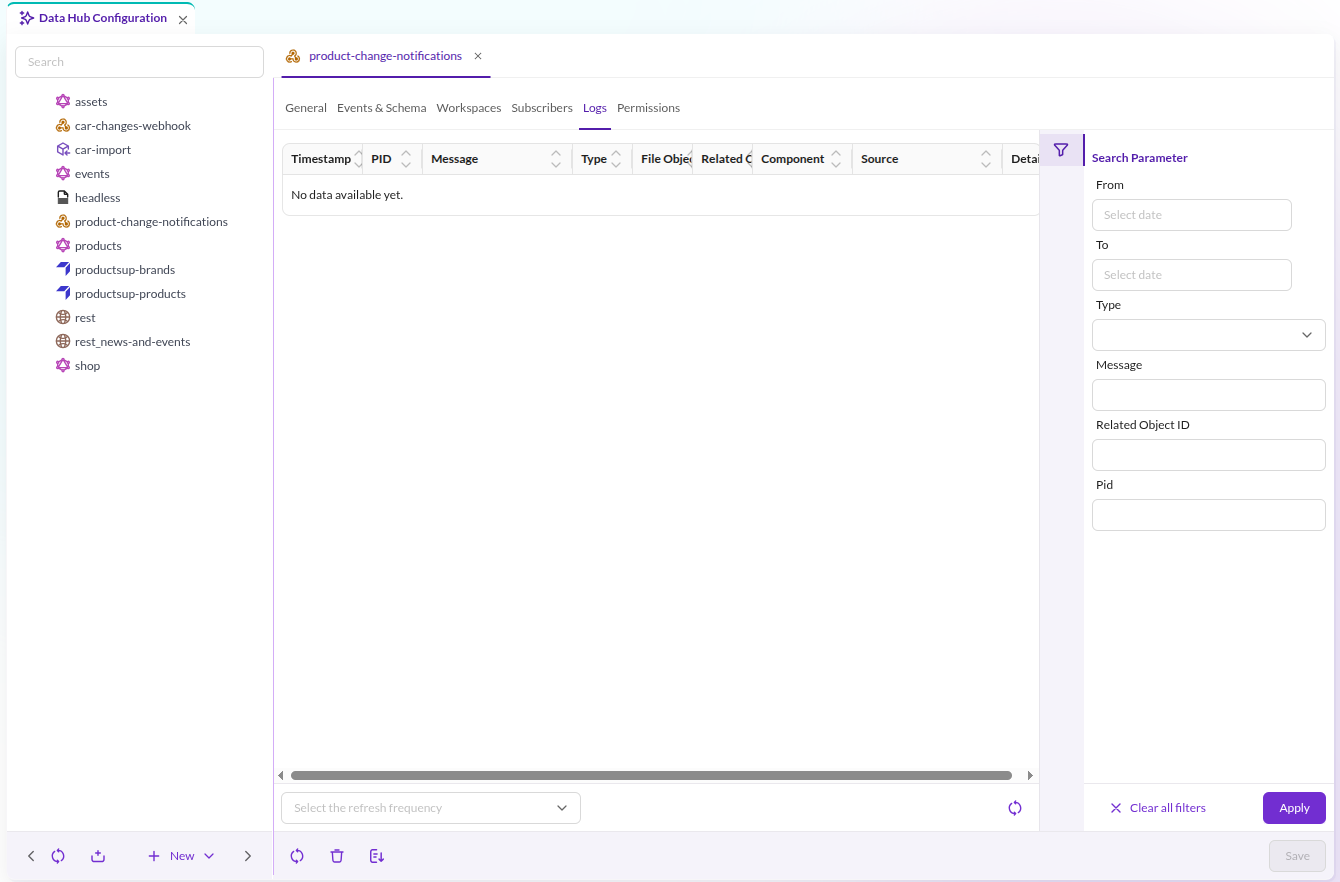

What is recorded depends on the Log Level set on the General tab. With an empty log level, nothing is written.
| Log level | Recorded |
|---|---|
Info | Every request, the subscriber it went to, and the returned HTTP status code. |
Errors | Failed requests and caught exceptions. |
Each entry links to the element that triggered the event, and carries the collected messages of the run as an attached file object.
Interpreting the Entries
- A subscriber that answers HTTP
200is logged asexecuted successfully (200)at info level. - Any other status code is logged as
returned statuscode <code>at error level. - An unreachable subscriber is logged as
Exception caught for <url>at error level.
Only HTTP 200 counts as success. A subscriber answering 201 Created or 204 No Content is logged as an error, even
though it accepted the request.
A failing subscriber does not stop the others: every subscriber of a configuration is contacted independently.
Nothing in the Logs
An empty log after a change to an element usually means the webhook never fired. Work through the conditions in Configuration: the configuration is active, the event is selected, the schema definition for that element type exists, and the element lies inside the configured workspace.
If the conditions hold and the log is still empty, no Symfony Messenger worker is consuming the
pimcore_datahub_webhooks transport. See Installation.