Workflow Configuration
The Workflow Designer provides a workflow list with folder structured listing of workflows to create and delete workflows, and a workflow configuration editor to configure the workflows.
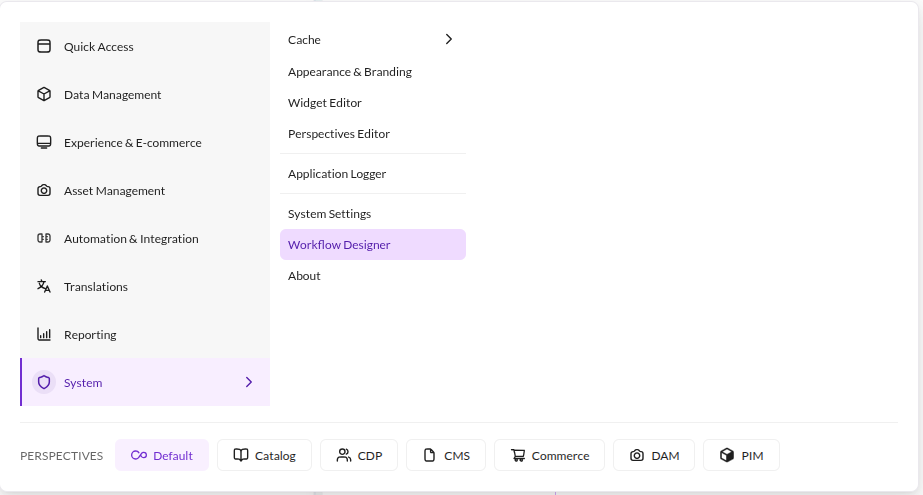
Open it in Pimcore Studio under System > Workflow Designer.

Configured workflows are standard Pimcore Workflow Engine workflows. They appear alongside other configured workflows in the system on the Pimcore elements and the Pimcore Workflow documentation applies in terms of features, behavior and configuration options.
To apply workflow changes to Pimcore, the symfony container needs to be rebuilt. On development systems (in dev environment) this might happen automatically when saving the workflow definition.
On production systems (in prod environment) it might be necessary to use the Save & Rebuild button next to Save.
It triggers a Symfony container rebuild to apply all the workflow definition changes to Pimcore. Save alone only
writes the configuration file.