Deliver Personalized Content
Once target groups are defined, visitor profiling rules are set and personalized content is created, it's time to deliver that content to the right people.
Pimcore provides two ways to deliver personalized content:
Delivering Personalized Content with Documents
When Pimcore delivers a document to a visitor, it picks the best-matching variant using the following rule:
- If the visitor has only one assigned target group and content exists for that target group, Pimcore uses the personalized variant for that target group.
- If the visitor has multiple assigned target groups, Pimcore sorts them by assignment count and uses the first target group in that list that has personalized content for the document.
This logic runs for every document and sub-request, so a document can show content for one target group while a snippet or renderlet on the same page shows content for a different target group.
The Symfony profiler shows which target group was applied to which document. In the screenshot below, the main
document used the target group basketball while the footer snippet was rendered with the target group female.
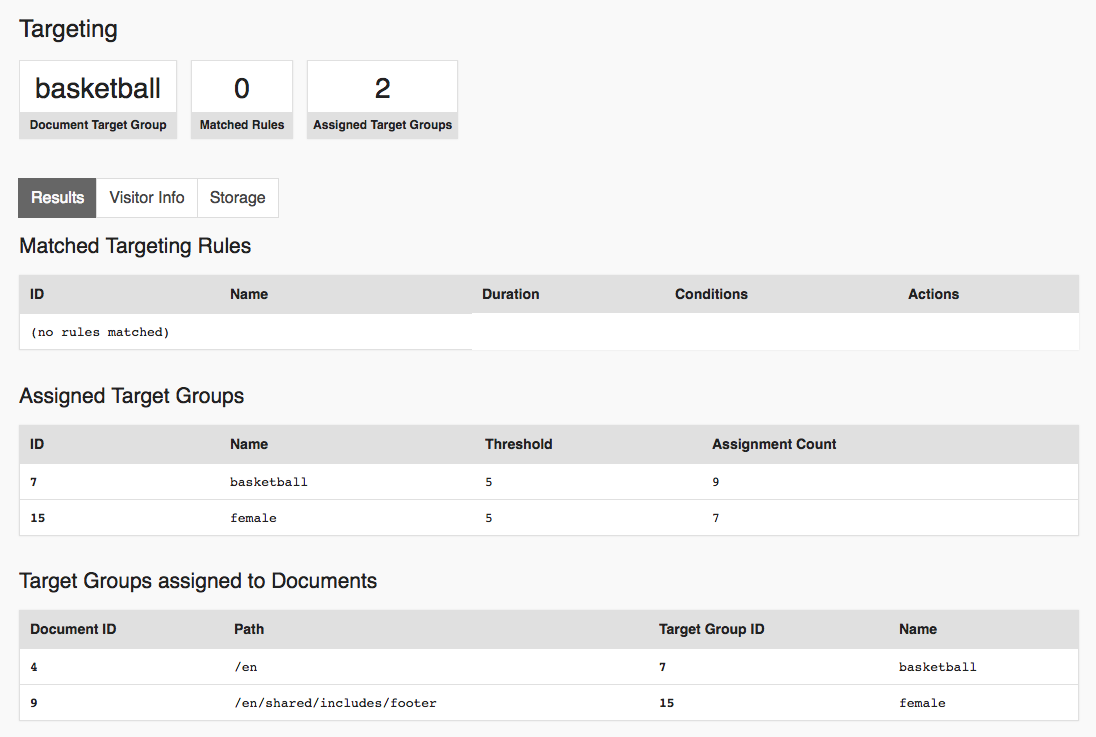

See Verify What Happens below for more on debugging.
Delivering Personalized Content with Global Targeting Rules
In addition to document delivery, global targeting rules provide two actions for delivering personalized content to the visitor:
- Redirect: redirects the visitor when its conditions match, for example to send first-time visitors to a special landing page.
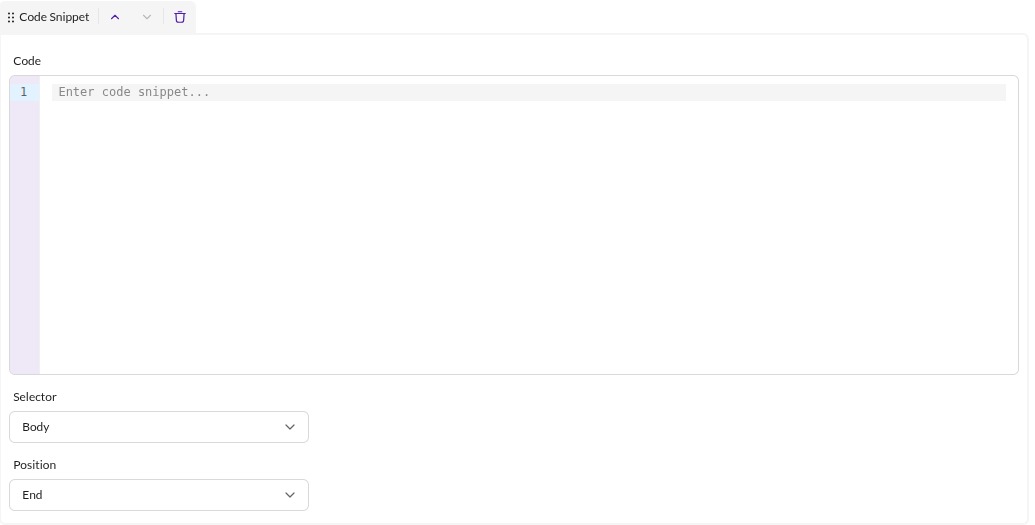
- Code Snippet: injects a code snippet into the response when its conditions match. This covers restyling the page with injected CSS, adding functionality with a JS snippet, or injecting whole HTML blocks.

Verify What Happens (aka Debug)
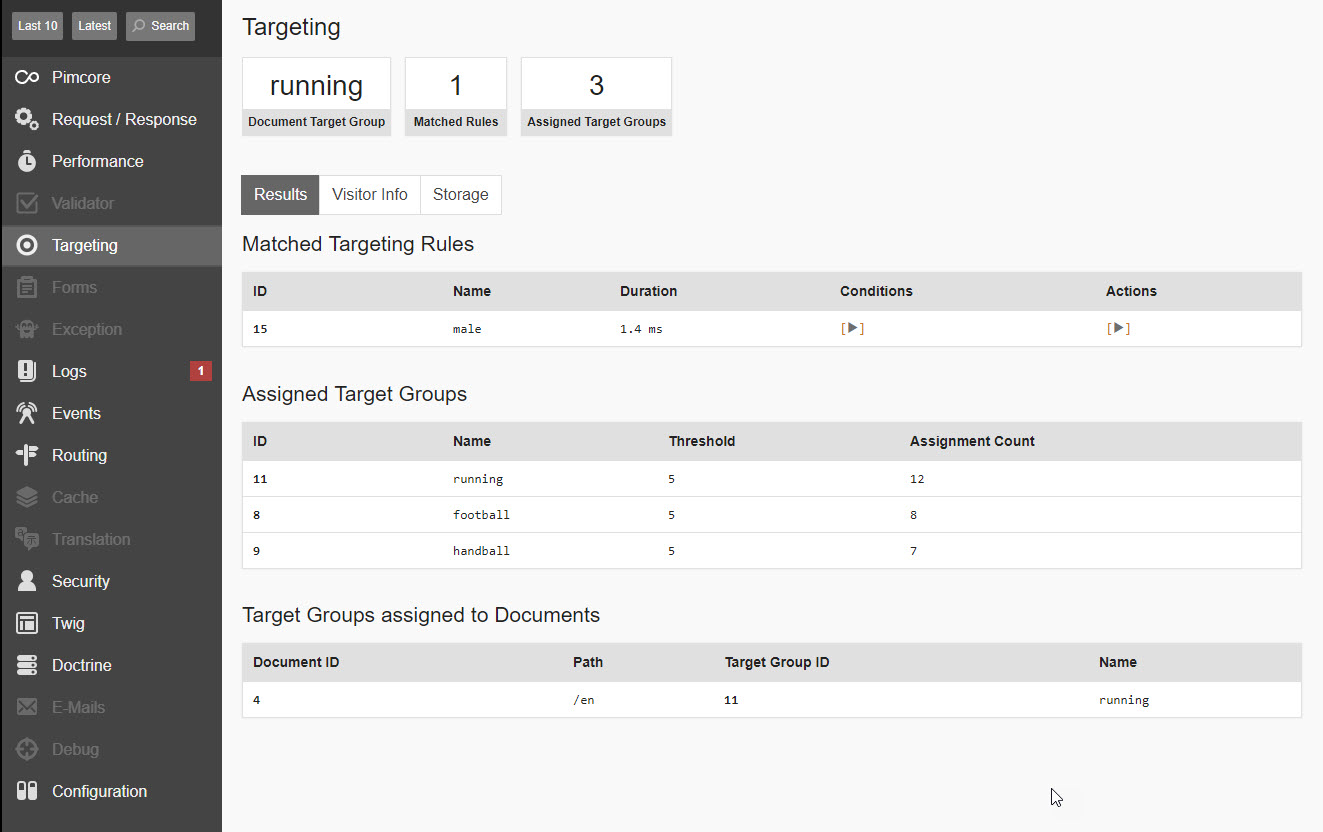
The personalization configuration can grow complex quickly. To help you see what happens, which rules matched a given request, which target groups are assigned, and what data was collected, Pimcore adds a Targeting panel to the Symfony web debug toolbar.
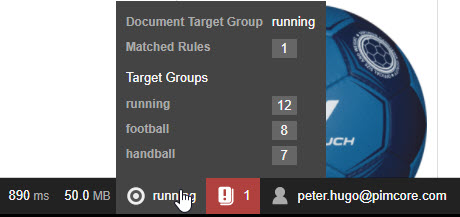

The detail page lists matching targeting rules, assigned target groups, target groups chosen for document delivery, all stored visitor information and the content of the visitor storage.

For debugging on the live page itself (outside the dev environment), Pimcore Studio also offers an on-page
targeting toolbar. See
Debugging Targeting Data in the
Development Documentation.